Icon of program: FastestFox

FastestFox for Windows

  • Free
  • 2.9
    58
  • 52.5K
  • V4.3.7
Free Download for Windows

View an ad to download for free

Enhance Your Browsing with FastestFox

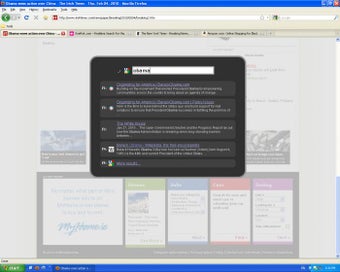
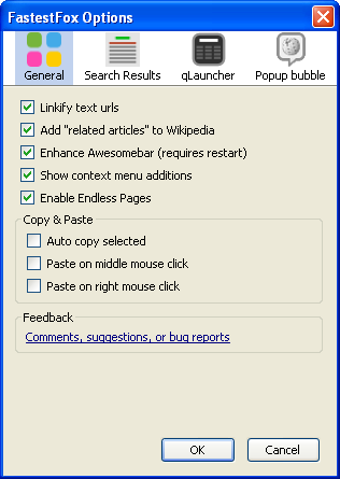
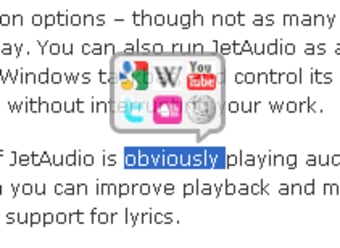
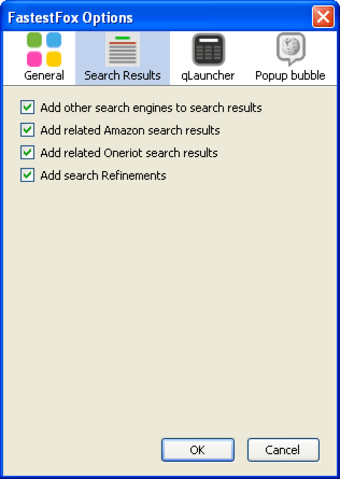
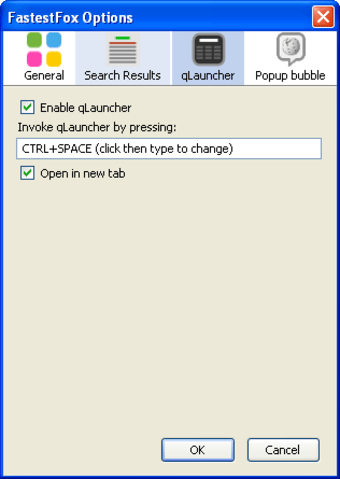
FastestFox is a free add-on designed for Windows users, enhancing the browsing experience by providing various productivity features. This tool is categorized under Add-ons & Tools, making it a suitable choice for users looking to optimize their web activities. With functionalities such as automatic scrolling, text selection shortcuts, and quick access to search engines, FastestFox aims to streamline tasks and improve efficiency during online browsing.

Top Recommended Alternative

The program is straightforward to install and integrates seamlessly with popular web browsers. Users can benefit from features like quick text navigation and customizable settings that cater to individual preferences. FastestFox stands out by offering essential tools that can significantly enhance everyday web usage, making it a valuable addition for anyone looking to maximize their online productivity.


 0/8

App specs

Also available in other platforms

Program available in other languages


Icon of program: FastestFox

FastestFox for PC

  • Free
  • 2.9
    58
  • 52.5K
  • V4.3.7
Free Download for PC

View an ad to download for free


User reviews about FastestFox

2.9

1 reviews

Add review

Main reviews for you

  • Anonymous user

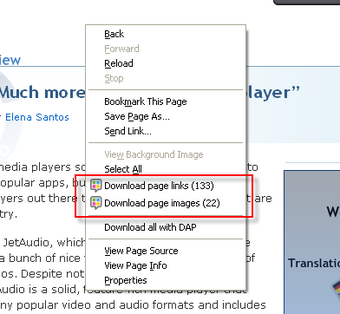
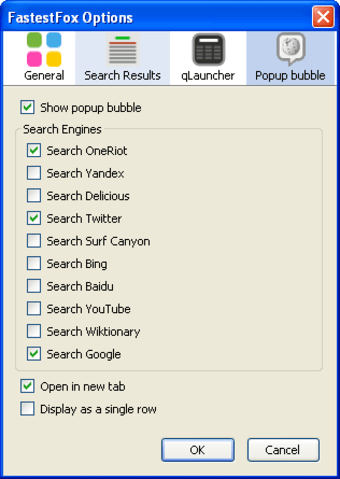
    Some issues, butover all makes Firefox the ultimate web browser. I use this on every firefox installation, including Mac and Windows 7 (64 and 32 bit). The only issue I have noticed thus far is when downloading page links, it will not save the full file name and extension if it is over so many characters long, leaving you to have to go back and either rename them, or delete them and just download them normally. Interface is pretty slick, but the default option to popup the Popup Bubble gets severely annoying after a while although it can be disabled.The ability to load multiple pages at once instead of having to click on or find the <next> <previous> page is by far the most amazing feature this has, although it has its limitations in 32-bit operating systems (seems to have something to do with memory consumption).If you love firefox, you are going to love this! Pros: This is like the swiss-army knife of firefox. So many useful features all built into one. Cons: Some bugs still need to be worked out with the ability to download page links. If it were able to download more specifically like just .zip, .mp3, etc., it would be a 10/10.


More

You may also like

Alternatives to FastestFox

Explore Apps

Latest articles

Laws concerning the use of this software vary from country to country. We do not encourage or condone the use of this program if it is in violation of these laws.
Softonic

Is FastestFox safe?

100/100

Score result: Clean

This file passed a comprehensive security scan using VirusTotal technology. It is safe to download.

  • Virus free
  • Spyware free
  • Malware free
  • Verified by Security Partners

    VirusTotal logo

Scan Info

Last scan
Tuesday, November 14, 2023
Scan provider
VirusTotal · Full report

File Integrity

File
fastestfox-4.1.7-fx.xpi
SHA256
804cea93d2bcf912ff14877cc6abd481d3a34b2ce9e52856cef2442aa85d326c
SHA1
1aae0fbb31a881bcfa9336176e22cec19bed8e54

Softonic security commitment

FastestFox has been thoroughly scanned by our advanced security systems and verified by industry-leading partners. This file comes from the official developer and has passed all our security checks, showing no signs of viruses, malware, or spyware. For more information, visit our Security and Trust Center

Signed in to Softonic as